How to enable Teams speech-to-text (the easy way)
Teams
Collaborate and communicate seamlessly in Microsoft Teams with natural voice updates.
Hit “send” faster with reliable dictation that get’s it right
Send messages in Teams as fast as you can think. Speak naturally and watch your thoughts transform into clear, concise text that sounds like you. It's reliable dictation that helps you move through your conversations faster.
Typing takes mental effort—structuring sentences, fixing errors, formatting text, writing for clarity, and more. ReMote lifts that burden. You don't have to worry about how to say things; you just say them.
ReMote adapts to your speaking style and complements the way you communicate. Whether you're coordinating with your team or catching up with colleagues, ReMote lets you sound like you—not some robot.
ReMote securely processes your inputs to create a transcript. Your data is yours—never used for training unless you opt-in. We will never sell your data. We sell software, not your personal information.
4x faster than typing
Voice that finally works is here. ReMote lets you create, code, message, and write at the speed of thought, 4x faster than your keyboard.

45 wpm

220 wpm


On-the-go or at your desk
ReMote is the only voice-to-text tool that works on any app or device, with your personal dictionary, style, and settings synced everywhere.
Download for free
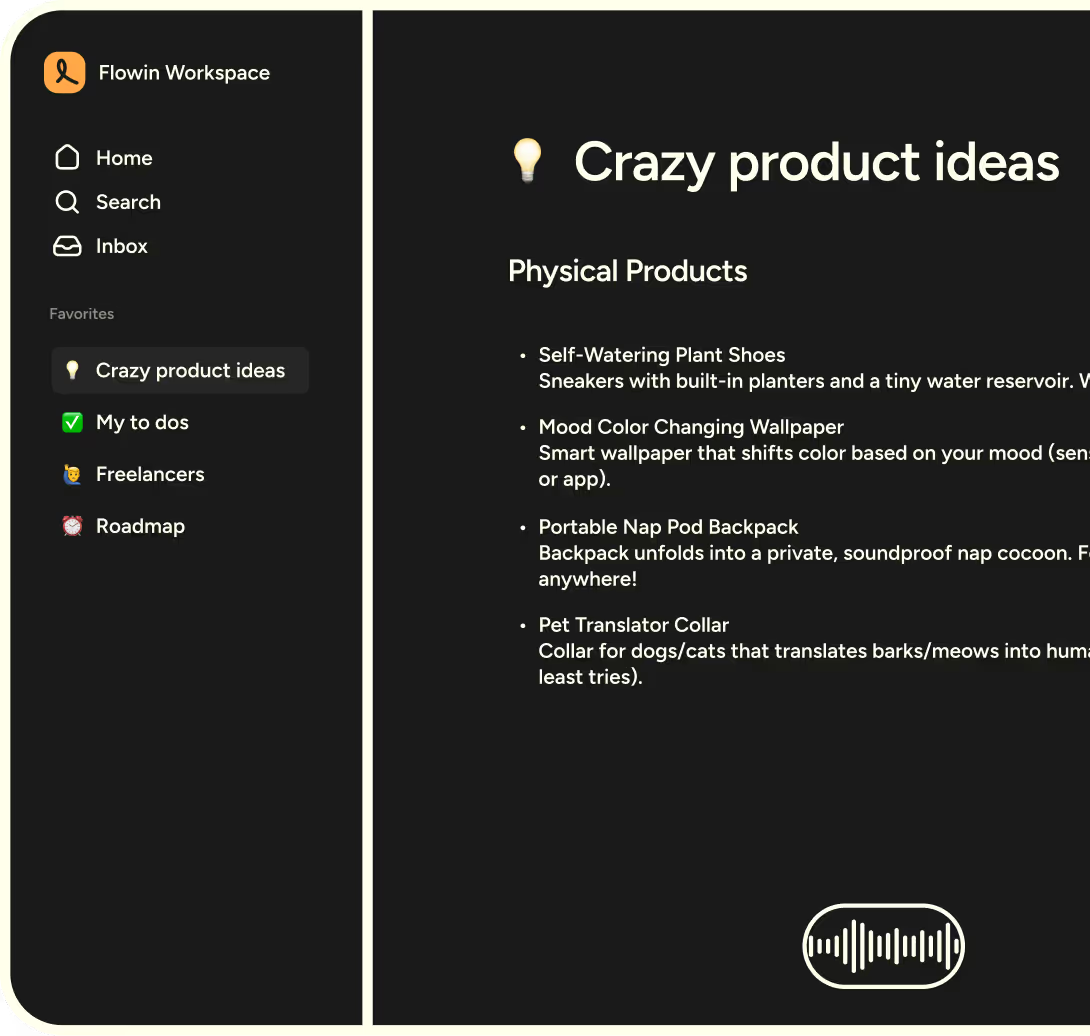
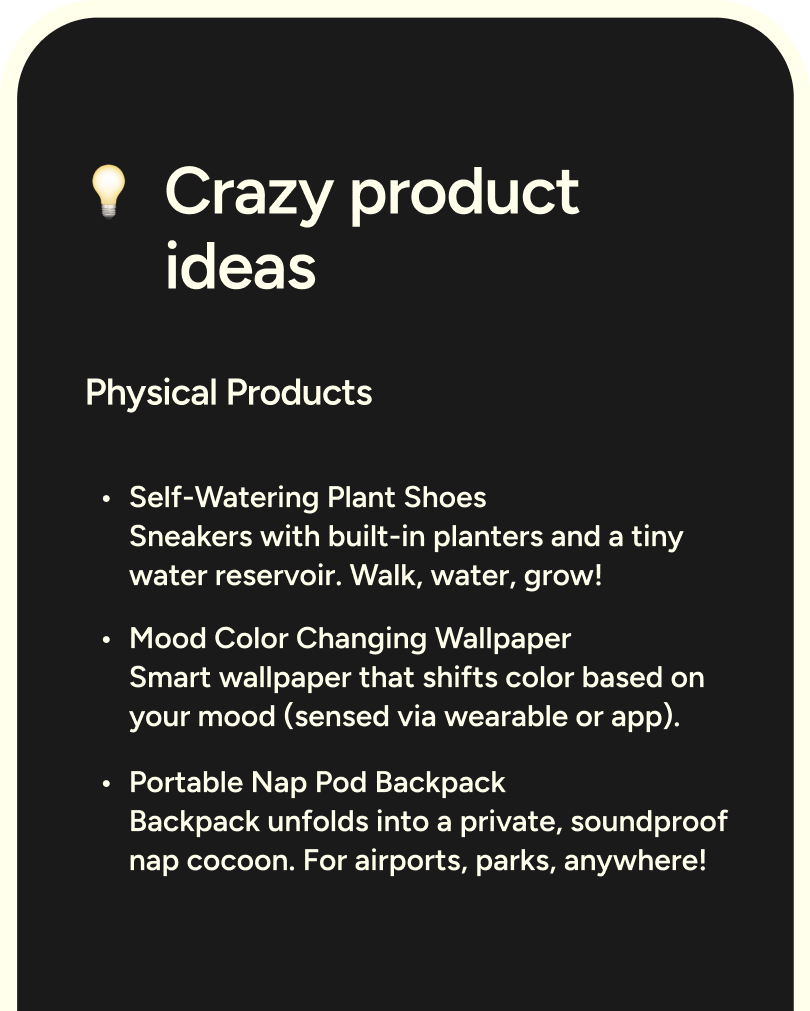
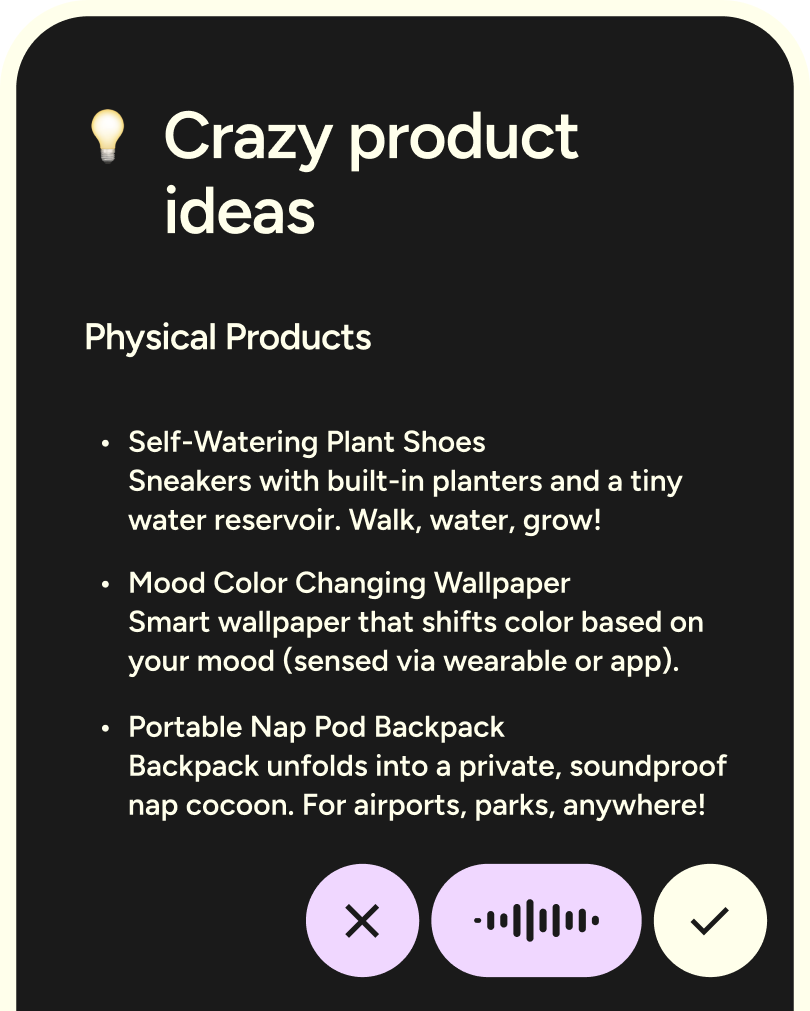
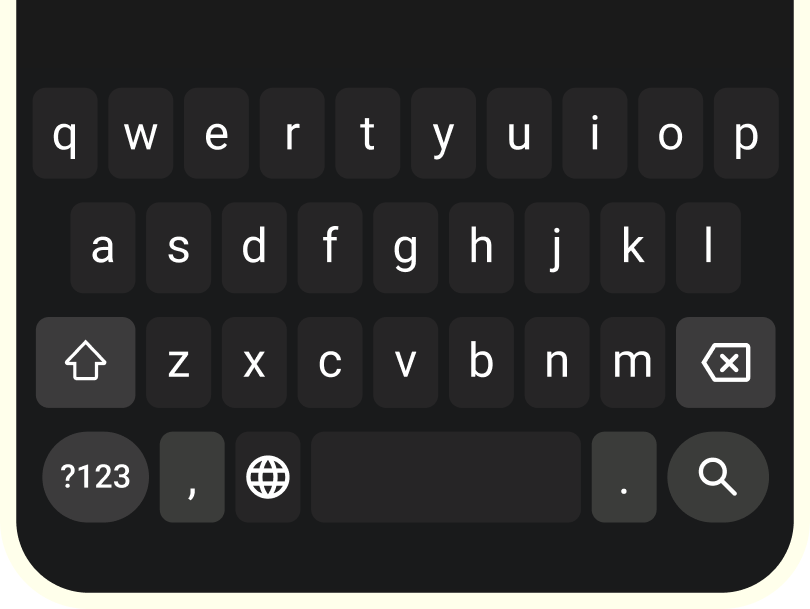
ReMote, wherever you work
ReMote runs natively on Mac, Windows, iOS, and Android. Use it at your desk for deep work, and on your phone when you're on the move.
More apps



.svg.html)






Start flowing
Effortless voice dictation in every application.