ReMote for Students
For late nights and big ideas.
Introducing ReMote, the fastest and most accurate voice dictation sidekick that works in any application. Work at the speed you think!



.svg)
ReMote through finals like the genius you are.
Seamless speech-to-text in every application on your computer and phone.
Get started





















4X faster than typing
Save hours on notes and essays by using your voice to type.

Sounds like you
Set casual or formal tone in any app.

Works everywhere (+ mobile)
ReMote works in Docs, Apps, and notes—no new software to learn.

Command mode with AI
Fine-tune and edit your writing with AI to sound your very best.
ReMote is free for students. Get 3 months of Pro for finals.
Auto renews at 50% off. Cancel anytime.
How to sign up
Sign up with your .edu email and your student offer activates automatically: 3 months of ReMote Pro, then $6/month if you keep it. The free plan stays free either way.
If you don't have a .edu email address, reach out to Support to get the student plan on Pro added.


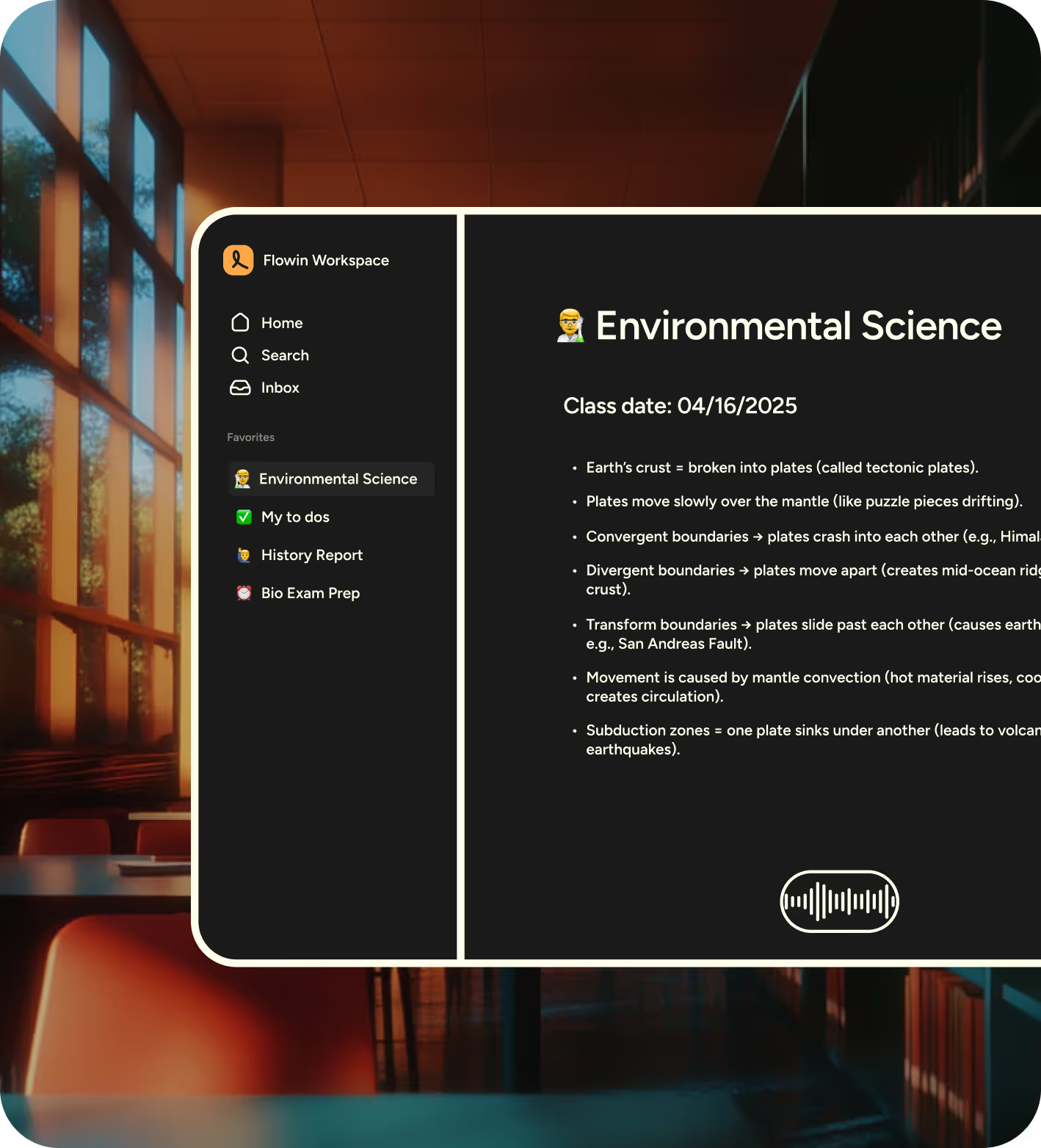
Turn thoughts into action
ReMote is perfect for quickly capturing raw ideas and getting started outlining papers. Just speak your thoughts and ReMote will organize them, ensuring nothing is missed.
Write with precision
Be the best version of yourself
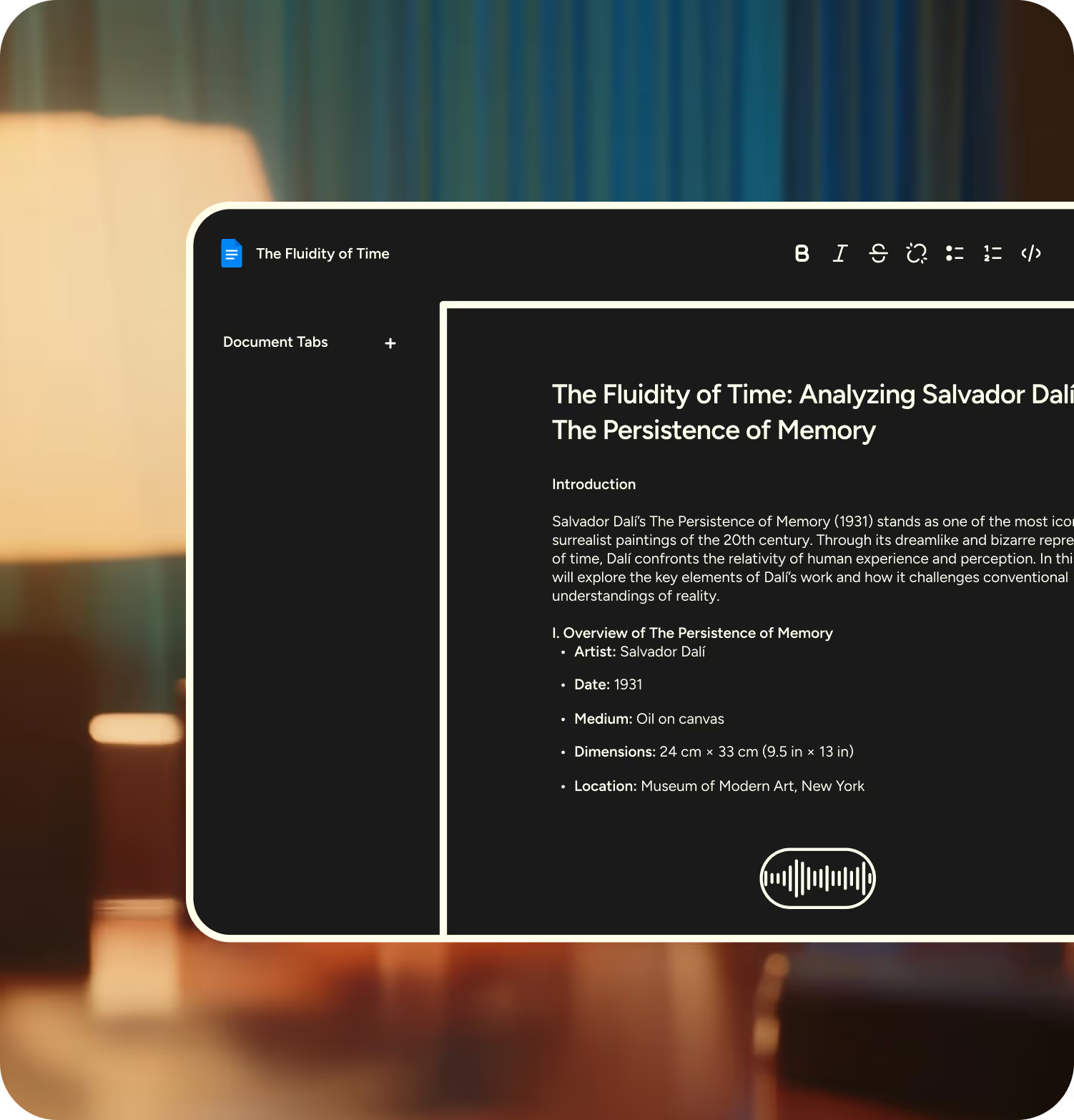
ReMote understands that academic writing often involves complex terminology and precise language. Whether you're crafting essays, research papers, or presentations, ReMote’s context-aware dictation ensures accuracy with tricky words and specialized terms.
Say goodbye to the frustration of typos and hello to polished writing. ReMote will help you sound like the best version of you!
AI that helps you get that A+
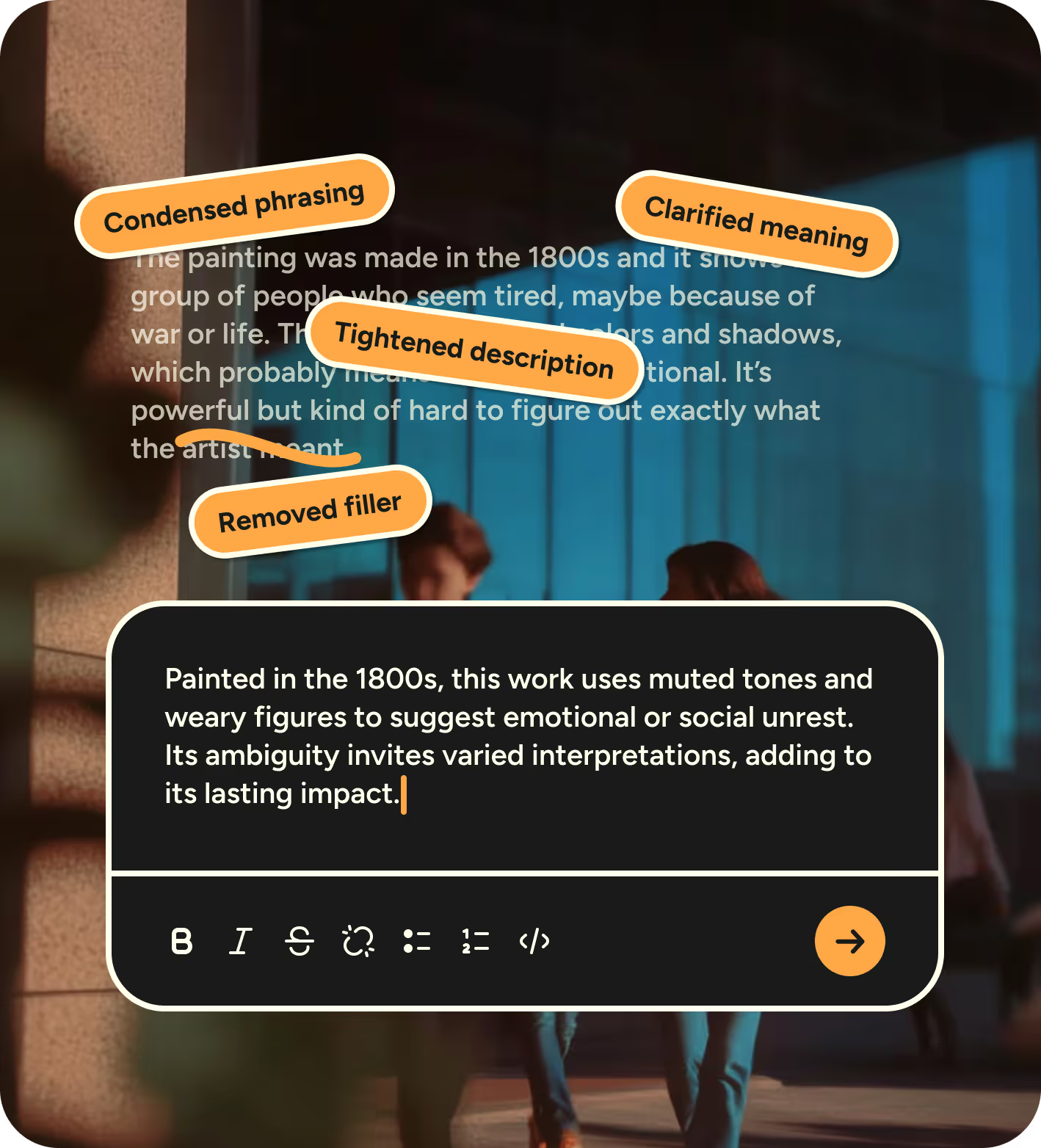
ReMote’s Command Mode supports editing and formatting of your content so it’s fit for purpose:
- Shorten, lengthen, or edit your writing to take something from good to great.
- Provide more context when writing prompts for tools like ChatGPT to get more relevant and refined results.
- Ask ReMote for more context about anything.
Effortless, never awkward
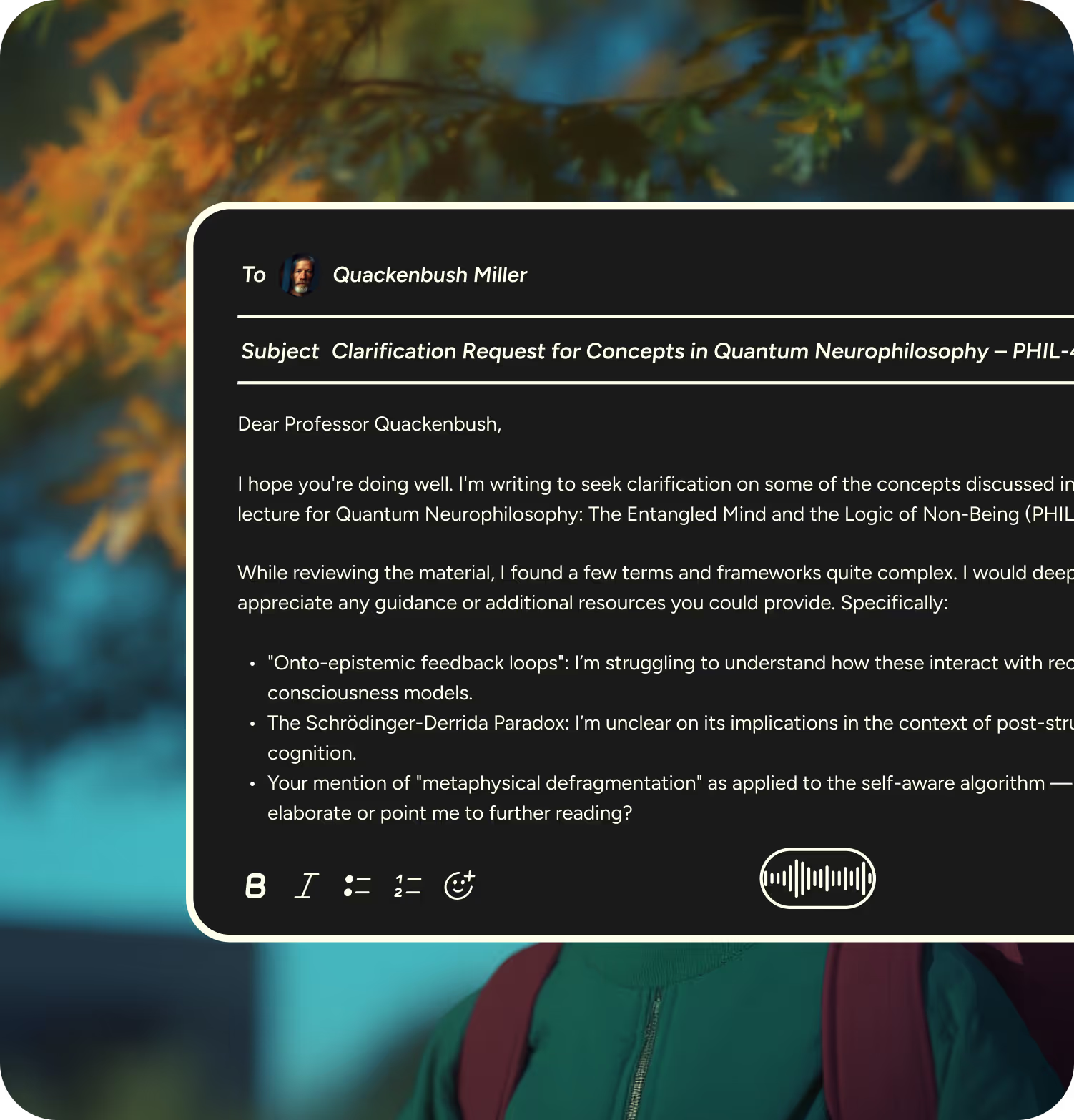
Group projects? Randomized teams? That weird panic when you have to message someone you’ve never talked to before?
ReMote helps you get the words out before overthinking kicks in. Whether you’re:
- Breaking the ice in a new group;
- Messaging a professor without rewriting it over and again; or
- Sending updates without staring at a blinking cursor
Talk it out.
Ship it faster.
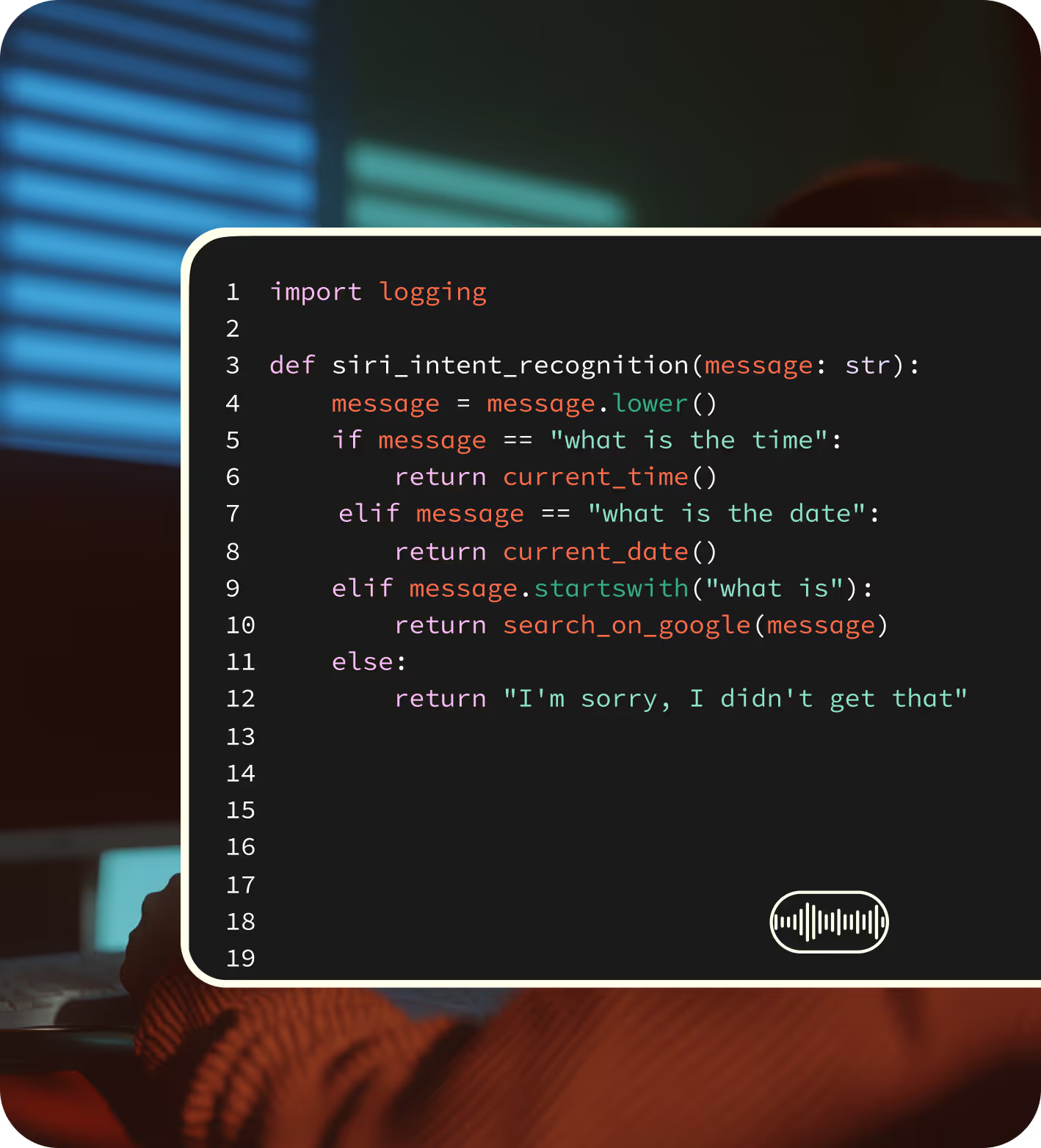
ReMote is your voice-to-dev pipeline—speak your logic, and it writes clean, structured text for code, docs, or AI prompts.
Whether you're:
- Spitballing algorithm logic before opening your IDE
- Penning down a quick function
- Drafting prompts for Cursor, Copilot, or ChatGPT
- Or just rubber ducking your way through a gnarly problem
We took ReMote to campus
Love letters
to ReMote


.avif)

Frequently asked questions
Do I qualify for a student discount even if I don’t have a .edu email?
Yes! We accept alternate forms of student verification like a student ID, enrollment confirmation, fee receipt, or a screenshot of your student dashboard. If you're studying at a university without .edu emails or are attending online programs, you're still eligible.
Fill out the form here: Enable the Education Discount for your ReMote account
What languages does ReMote support? Can I use it if I write in multiple languages?
Yes! ReMote supports 100+ languages for dictation. A lot of students use it to write in multiple languages—like English and Spanish or French and Arabic. You can switch between them easily, and ReMote auto-detects as you go.
What do I get when I refer a friend?
You and your friend both get a free month of ReMote Pro when they hit 2,000 words or upgrade to Pro. Just share your referral link with your friend — you can find it in your desktop app under “Refer a Friend” on the home screen.
Can I use headphones with ReMote?
Yes, you can! But for the best results, we recommend using your device’s built-in mic or a wired one instead of a bluetooth connection.
Read more here.
What can I run ReMote on—mobile, desktop, both?
ReMote works on MacOS, Windows and iOS for now!
Is ReMote accessible for students with disabilities?
Absolutely. ReMote is designed with accessibility in mind and supports a wide range of needs and learning styles. Many students who face barriers to traditional input methods have found ReMote to be a powerful tool for expressing their thoughts.
Can educators or non-profit staff get the Pro rate too?
Yes! ReMote is free for everyone. If you're a teacher, researcher, or work with a non-profit, you can apply for the educator/non-profit rate on Pro using your .edu email.
If you don’t have one, just fill this form to get access.
Can I use ReMote to transcribe audio or video files like lecture recordings?
Not right now—we don’t support file uploads for transcription just yet.
I’m on a tight budget. Is there any way to get ReMote for free or at a lower cost?
ReMote is free for everyone, and students get 50% off Pro. In special cases (like accessibility needs or financial hardship), we're always happy to work with you. Refer a friend and, once you both hit 2,000 words, you'll both get a free month of Pro!

Start flowing
Effortless voice dictation in every application.